
How do I add individuals as friends?
- First, you'll need an upgraded Premium account to take advantage of this feature.
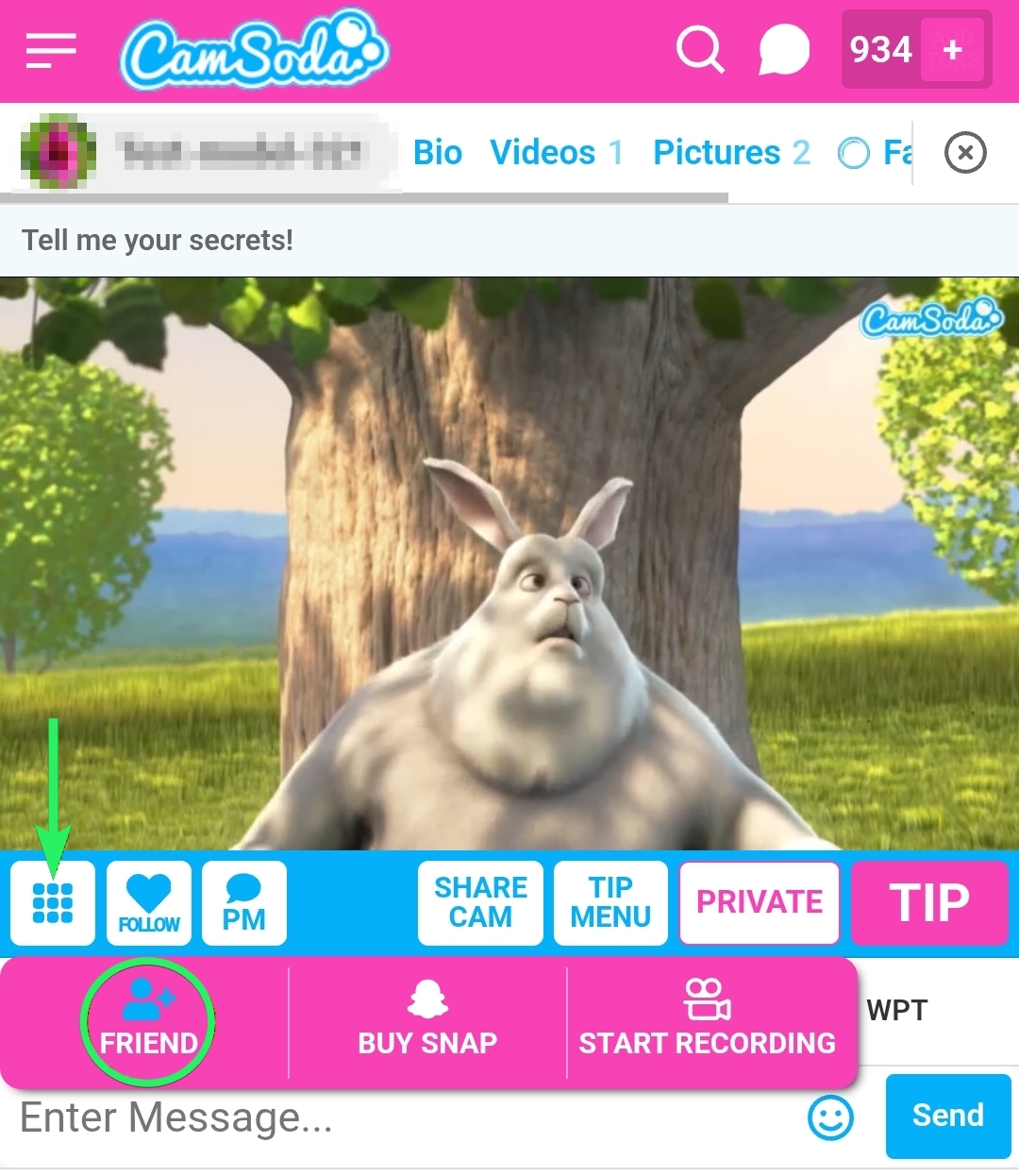
- On mobile, select the +Friend option after clicking the button on the far left below the broadcast window.
- On desktop, click 'Add Friend' below the model's broadcast window.
- You can also add friends from a private message by tapping the person icon with a + symbol.
Why add friends?
- When you add someone as a friend, both of your Friends lists will indicate your online status to each other so you can engage in a conversation (or more!).
How will I know if I've been added or have added someone as a friend?
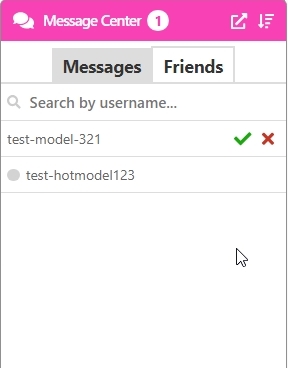
- You'll receive a notification in the Friends tab of your Message Center, where you can approve or decline friend requests.
Can I search my friends list?
- Yes, you can search your friends list by typing the individual's username into the search field at the top of the Message Center.
How can I remove someone from my friends list?
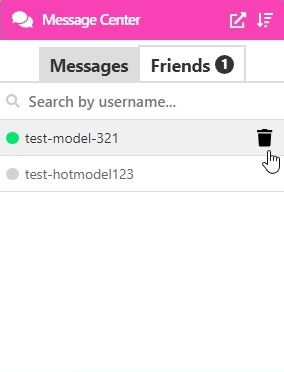
- Click the trash can icon that appears next to their name when hovering over it in your Friends List widget or the person icon with an x in your PM box. You will confirm the removal when prompted.
Will I keep my chat history if I remove someone as a friend?
- Yes, removing a friend does not delete your chat history with them.